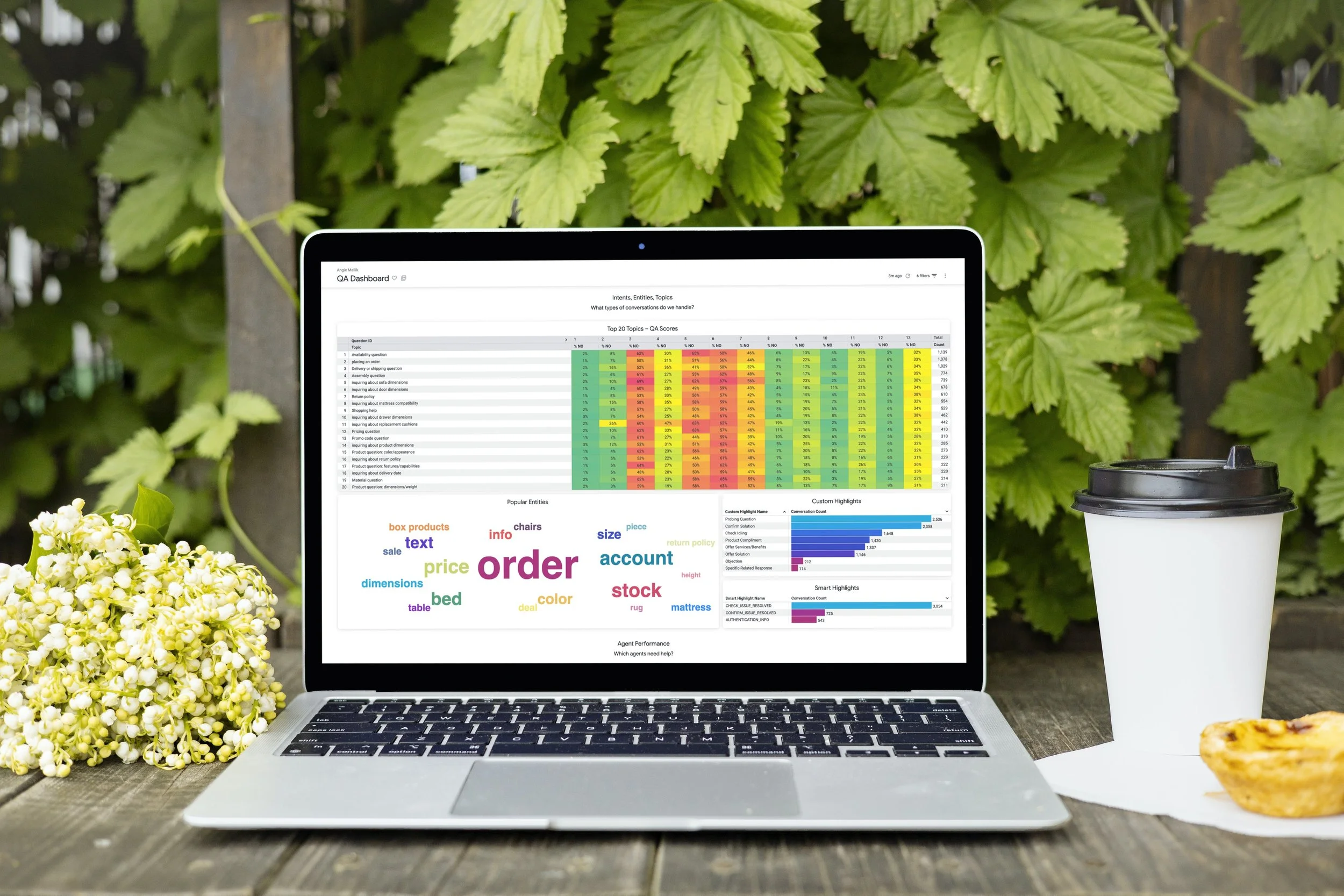
Recruiting CRM Platform
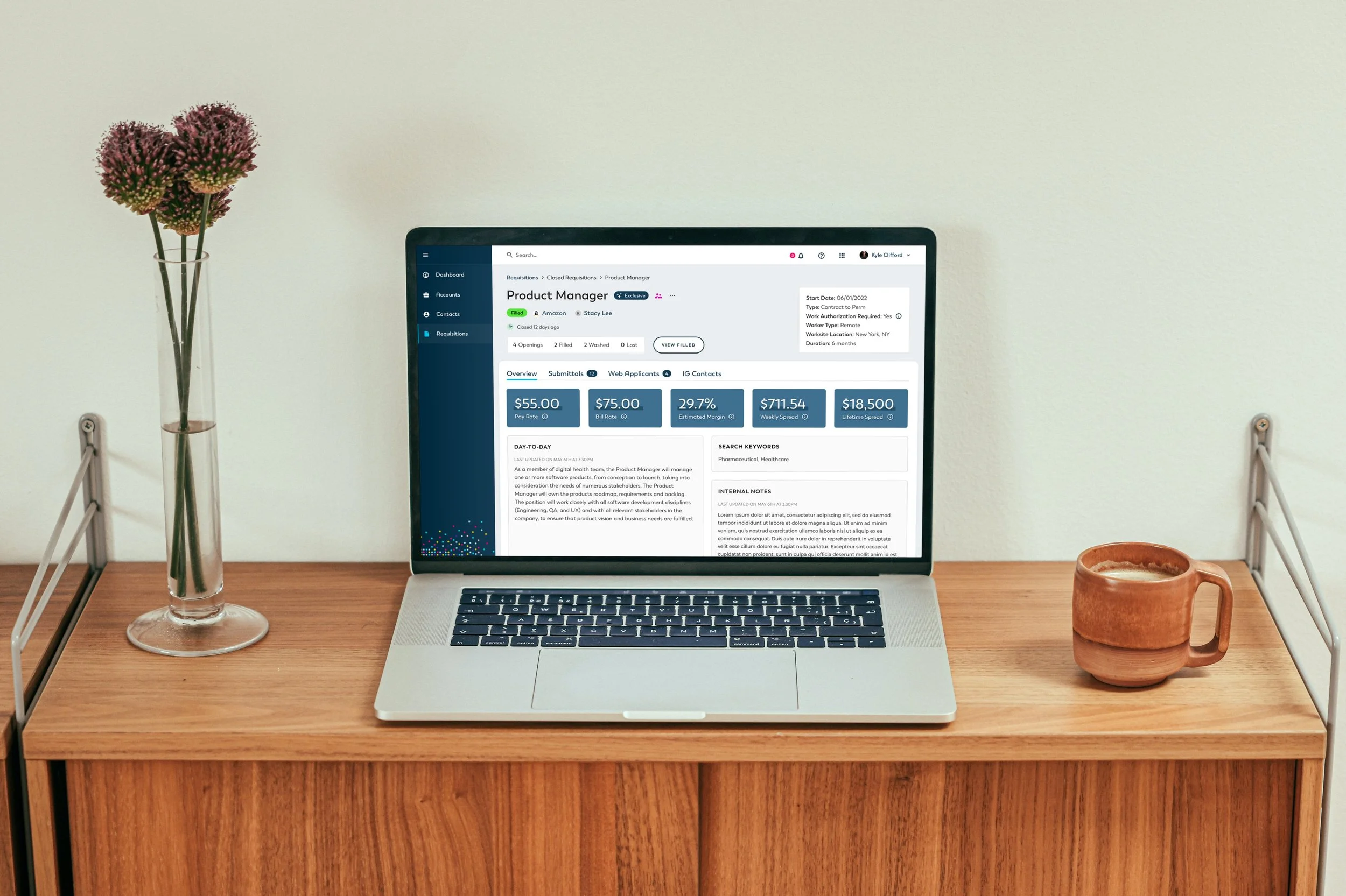
I designed a unified enterprise CRM platform that streamlined recruiters’ workflows across five disconnected tools, reducing task time by 45% and improving data consistency across markets.
“The first tool that actually feels built for the way we work — not against it.”
Challenge
Recruiters across global markets were juggling five different systems to manage candidate data, schedule interviews, and communicate with hiring managers. This fragmentation led to data duplication, inconsistent candidate experiences, and long task times for even routine actions.
The challenge was to consolidate these tools into a single, intuitive CRM that could scale globally while maintaining compliance, accessibility, and usability for diverse teams.
Goals
Create a unified interface that centralizes recruiter tasks.
Reduce task completion time and minimize data duplication.
Ensure the platform meets WCAG 2.1 AA accessibility standards.
Build a scalable design system for future enterprise products.
Constraints
Legacy backend architecture limited front-end flexibility.
Established workflows required the new platform to feel intuitive and familiar to limit disruption and avoid steep retraining curves.
Integration of multiple tools and teams meant the platform needed to create seamless connections between different task flows, ensuring information moved fluidly across the system.
Research
To understand pain points, I conducted:
8 user interviews with recruiters and hiring managers.
Workflow shadowing sessions to observe daily use of the five tools.
Heuristic evaluation of the legacy systems.
Data analysis of time spent per task via internal metrics.
Key insights:
Recruiters wasted 30–60 minutes daily switching between systems.
Duplicate data entry caused frequent errors.
Information hierarchy was inconsistent across tools.
Recruiters needed simple, accessible workflows optimized for speed.
These insights shaped our design principle:
Minimize cognitive load, maximize visibility.
Design Process
I began by mapping the end-to-end recruiting journey and identifying overlap between tools. From there, I developed task-based workflows rather than feature-based navigation, ensuring users could complete a task without context-switching.
I designed the initial wireframes in Figma, focusing on:
Unified candidate profiles combining data from multiple systems.
Smart filtering and bulk actions to speed up repetitive tasks.
Customizable dashboards tailored to different recruiter roles.
Integrated accessibility patterns (keyboard navigation, focus states, high contrast options).
We held bi-weekly design critiques and weekly prototype testing sessions to iterate quickly with recruiters. Feedback loops were captured in Miro and prioritized in JIRA.
45% reduction
in recruiter task completion time
5 teams
adopted the unified platform
28% drop
in data entry error rate
4.6/5
user satisfaction score post-launch
Solution
The final CRM platform introduced:
A centralized dashboard summarizing daily priorities and candidate activity.
A modular design system built for scalability and consistent UI patterns.
An accessible component library ensuring compliance across all user flows.
Integrated analytics for performance tracking and data-driven decision-making.
The design system was developed concurrently, with reusable components and variable states implemented in Figma and adopted by five global teams.
Reflection
This project taught me how to scale design decisions within complex enterprise ecosystems. Building the design system alongside the product allowed for consistency and faster iteration. If I were to revisit the project, I’d conduct deeper testing on edge-case workflows earlier and introduce automated accessibility testing earlier in development.
This project reaffirmed my belief that clarity, accessibility, and systems thinking are the foundation of enterprise design — because the best tools don’t just make work easier, they make it make sense.
Keep Exploring
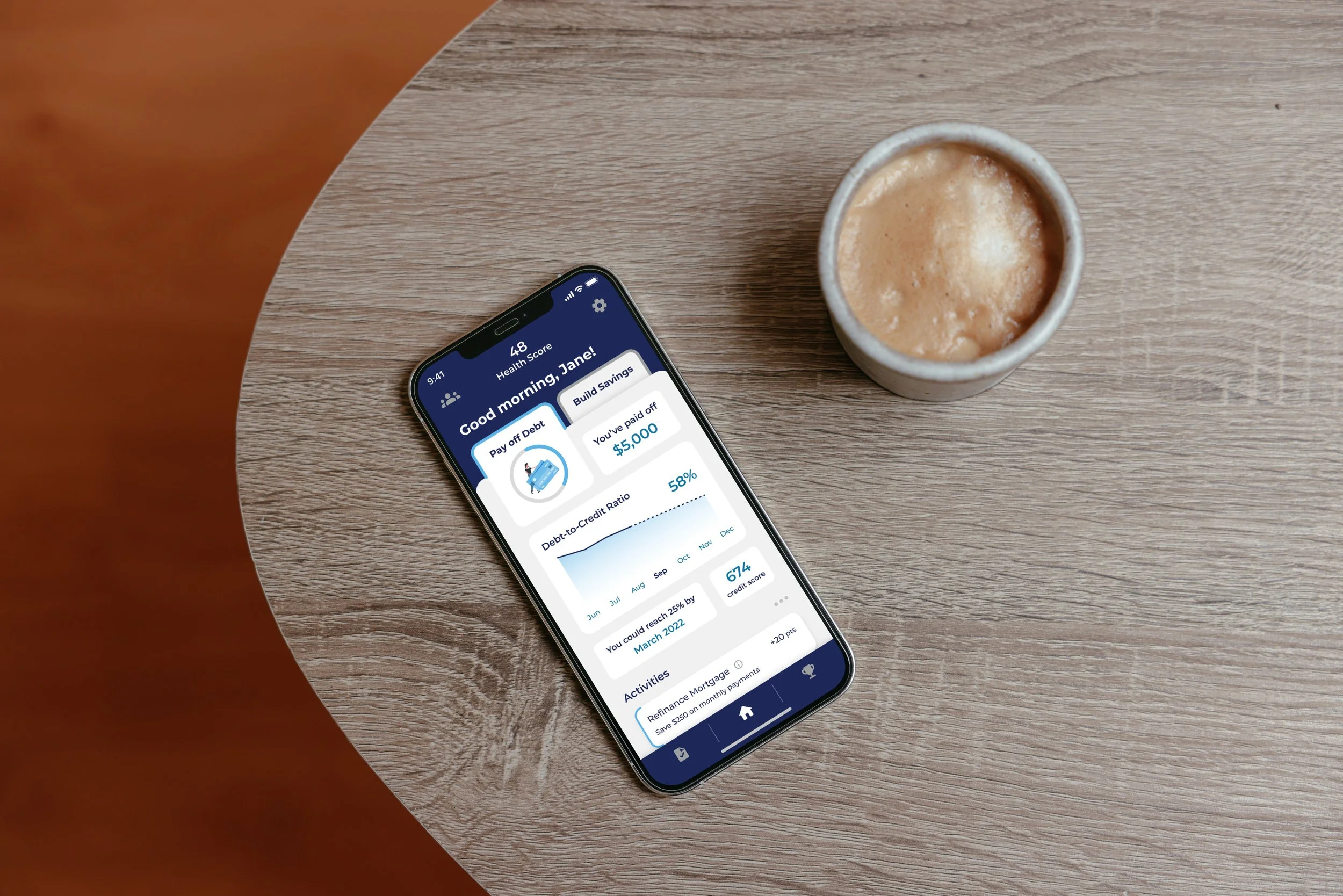
Finance Mobile App
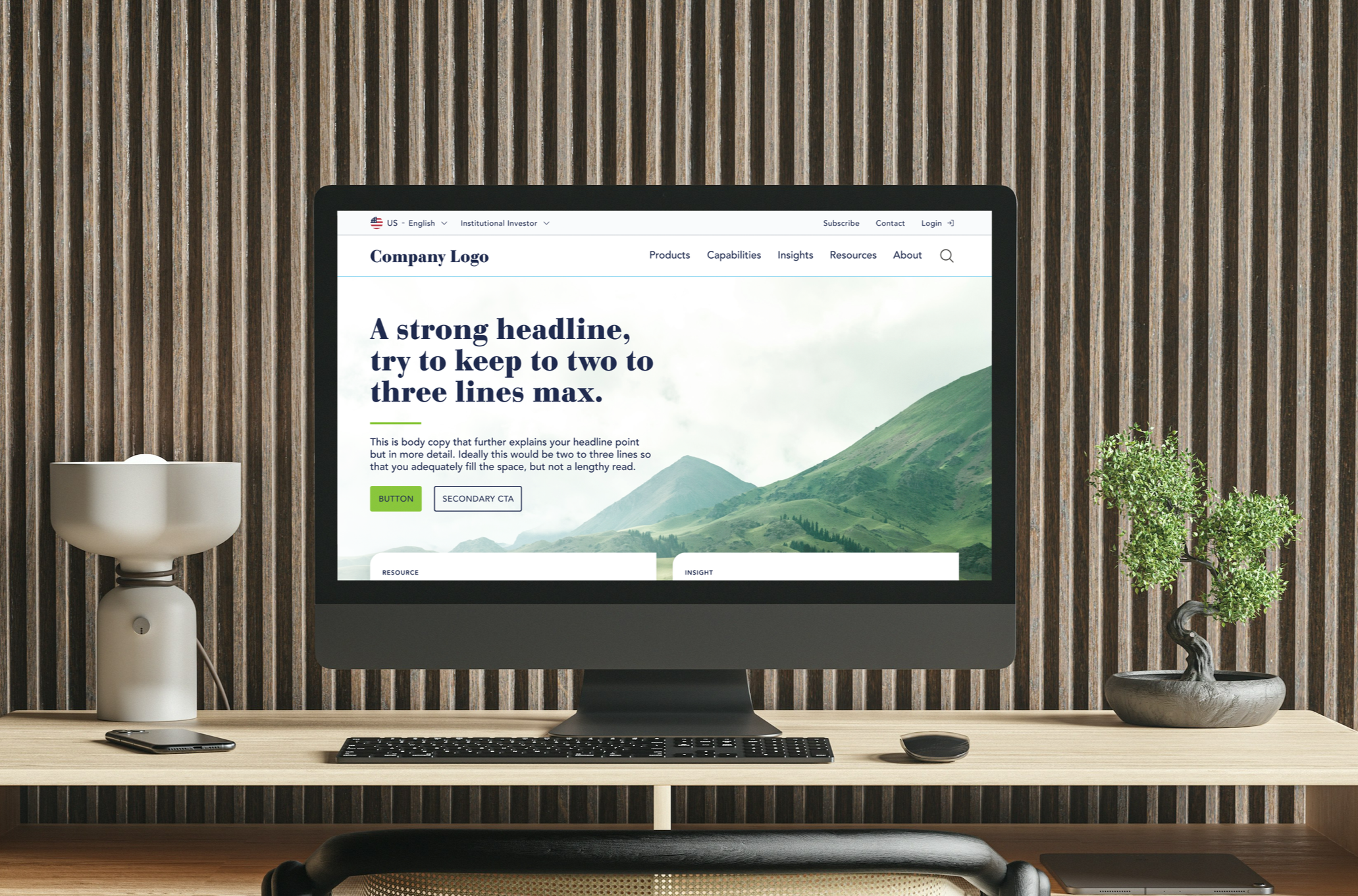
Global Site Redesign